
How to Do a FAB Balance Check in Seconds
The fastest way to do a FAB balance check depends on what you hold with First Abu Dhabi Bank (FAB). Regular account holders should open the FAB Mobile app, where the balance shows on the home screen after login. Ratibi or prepaid salary card holders should use the official Magnati prepaid portal instead. With no internet at all, SMS banking or any FAB ATM can help.
FAB, one of the largest banks in the UAE, was formed when NBAD and First Gulf Bank joined together, with the merger completed in 2017, and all old NBAD services now run under the FAB brand. Read more about the bank on the official FAB website (https://www.bankfab.com).
First, Find Out Which FAB Product You Hold
- Regular account (savings or current): You opened it yourself and hold a linked debit card. Use the app, online banking, SMS banking, ATM, or phone banking.
- Ratibi or prepaid salary card: Your employer gave you this card to pay your salary, and no bank account sits behind it. Use the Magnati prepaid portal. The FAB app may not show a balance for a card-only product.
- Credit card: A standard FAB credit card billed monthly. Use the app, or SMS banking if you are registered (see section 3).
FAB Balance Check Methods at a Glance
| Method | Best for | Needs internet | What you need |
|---|---|---|---|
| FAB Mobile App | Daily checks for account holders | Yes | App login |
| FAB Online Banking | Full statements on a computer | Yes | Personal Banking login |
| SMS Banking | Basic phones and no internet | No | Registered mobile number |
| FAB ATM | No phone or no signal | No | Card and PIN |
| Phone Banking | Talking to a person | No | Account number or Emirates ID |
| Ratibi and Prepaid Portal | Salary and prepaid cards | Yes | Last 4 digits, Card ID, CAPTCHA |
Which Method Should You Use?
- If you hold a regular FAB account and check often, use the FAB Mobile app. It is the fastest option in this guide.
- If you have no internet or only a basic phone, use SMS banking or any FAB ATM. Both work without an internet connection or an app.
- If you are outside the UAE, use the app or online banking with internet, or call phone banking at +971 2 681 1511.
- If your salary lands on a Ratibi or prepaid card and no bank account sits behind it, use the official prepaid card inquiry portal for Ratibi cards. The FAB app may not show a balance for a card-only product.
1. FAB Mobile App (Fastest for Account Holders)
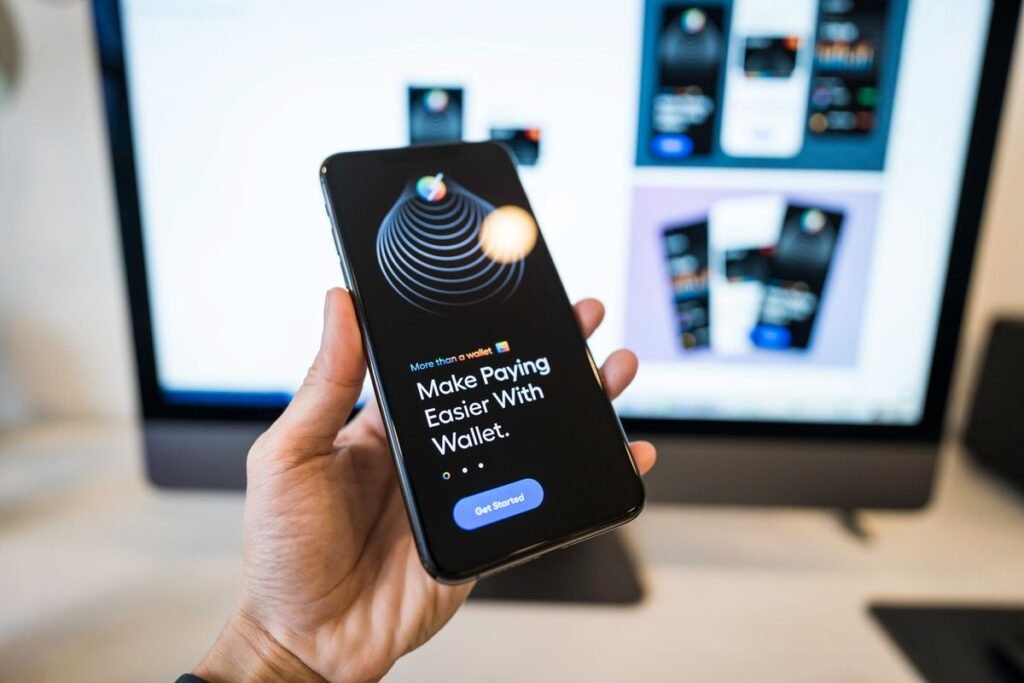
The FAB Mobile app is the best method for daily use. It works on iOS and Android.
- Download the FAB Mobile app from the Apple App Store or Google Play Store.
- Follow the in-app steps to log in and set up Face ID or fingerprint for faster access next time.
- Your available balance shows on the home screen as soon as you log in. Tap any account to see recent transactions.
2. FAB Online Banking

Online banking is best on a laptop or desktop, and useful when you want full statements and transaction history.
- Go to the official FAB website at https://www.bankfab.com and log in to Personal Banking.
- Follow the on-screen steps to reach your account summary, where your available balance is shown.
Always type bankfab.com yourself. Never log in through a link sent in an unsolicited SMS, email, or advertisement.
3. SMS Banking (No Internet Needed)
SMS banking works on a basic phone and needs no internet and no app. SMS banking is available to registered customers. Confirm the keyword and number with FAB customer care at 600 52 5500. Send the message from the mobile number registered with FAB.
4. FAB ATM
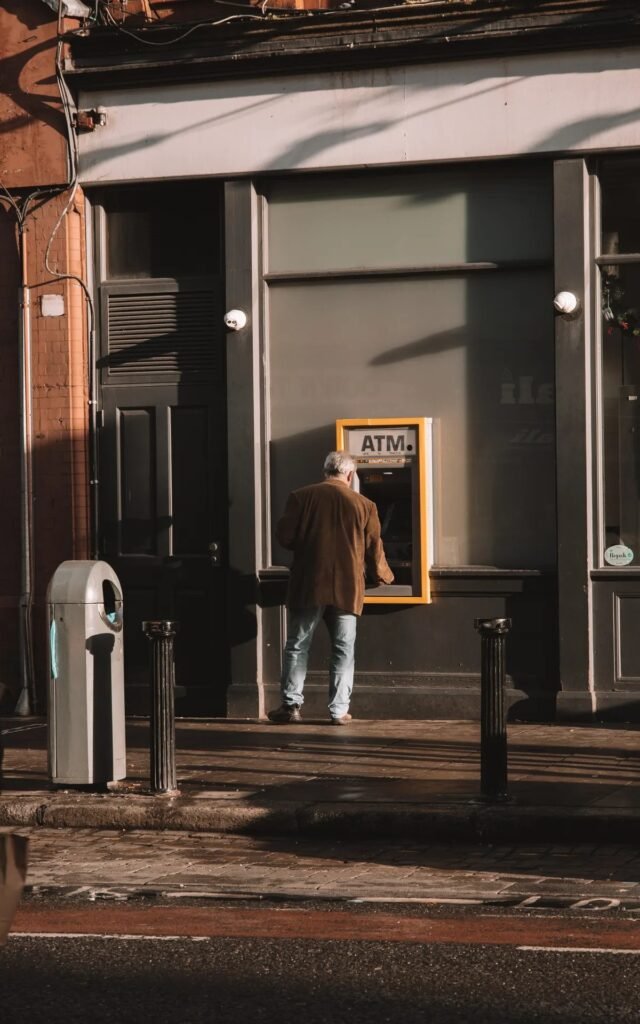
An ATM is the best backup when your phone has no battery or no signal. Insert your FAB debit, credit, or prepaid card into any FAB ATM, enter your PIN, and select Balance Inquiry. Cover the keypad with your hand while you type. Your balance shows on the screen, and you can print a receipt for a paper record.
Using another bank’s ATM may carry a small fee. Check with FAB for your card.
5. Phone Banking
If you want to speak to a person, or if every other method fails, call FAB customer care: inside the UAE, 600 52 5500; outside the UAE, +971 2 681 1511. Keep your account number or Emirates ID ready so the agent can verify you faster. Call at once if your card is lost or stolen. Never share your PIN, password, or OTP with anyone who calls you, even if they claim to be from FAB. The bank will never ask for these over the phone.
6. Ratibi and Prepaid Card Portal (No Bank Account Needed)

If your salary lands on a Ratibi prepaid card or another FAB prepaid salary card, use the official prepaid card inquiry portal for Ratibi cards. You do not need a bank account, a login, or an app.
- Open your browser and go to https://ppc.magnati.com/ppc-inquiry/
- Enter the last 4 digits of your card number.
- Enter your Card ID, printed on the card itself.
- Type the CAPTCHA code exactly as shown and click Go.
- Your card number, card status, and available balance appear on the screen, along with recent transactions.
Never enter your PIN, CVV or OTP on any prepaid balance page. Check that the web address is the official portal before you type anything.
Available Balance vs Current Balance: Why the Two Numbers Differ
The available balance is the money you can spend or withdraw right now. The current balance, also called the ledger balance, includes pending transactions that have not cleared yet. A card payment you made yesterday can make the two numbers differ for a day or two. For spending decisions, always trust the available balance.
Stay Safe: How to Spot a Fake Balance Check Site
Many search results look official but are not connected to FAB. Use only the FAB Mobile app, bankfab.com, FAB ATMs, SMS banking (for registered customers), phone number 600 52 5500, and the Magnati prepaid portal. Never enter your full card number, PIN, password, CVV, or OTP on any other website, and never share an OTP with anyone, including someone claiming to call from FAB. If a page, message, or caller pressures you to act fast, stop and call 600 52 5500 yourself.
Troubleshooting: When a Method Does Not Work
No reply to my SMS
Check that you sent the message from your registered mobile number. If it still fails, confirm the keyword and number with FAB customer care at 600 52 5500.
The prepaid portal shows an error
Check that you typed the last 4 digits of your card number and that your Card ID matches the card exactly. Type the CAPTCHA carefully. If your card has expired, ask your employer for a replacement.
The app locks me out
Too many wrong login attempts can lock your profile for safety. Use the Forgot Username or Forgot Password link on the login screen and verify as prompted. If you are still locked out, call 600 52 5500.
My balance looks wrong after a payment
A payment you made yesterday can sit as a pending transaction for a day or two. That makes the current balance and the available balance differ. For spending decisions, always trust the available balance, as explained above.
I changed my mobile number
SMS banking replies go to the mobile number registered with FAB. If you changed your number, contact FAB customer care at 600 52 5500 to update it before you rely on SMS banking.
I cannot log in to the app at all
If you cannot log in to the app at all, use online banking on a computer, any FAB ATM, or phone banking at 600 52 5500 while you sort out the login.
FAB Balance Check FAQs
Can I check my FAB balance by SMS?
SMS banking is available to registered customers. Confirm the keyword and number for your account with FAB customer care at 600 52 5500.
Can I check my FAB balance without internet?
Yes. SMS banking and any FAB ATM both work without an internet connection or an app.
How do I check a Ratibi card balance?
Use the official Magnati prepaid portal at https://ppc.magnati.com/ppc-inquiry/ with the last 4 digits of your card number, your Card ID, and the CAPTCHA. No login is needed.
Does FAB offer a missed call balance check?
FAB does not list a missed call balance service on its official channels. Use the app, ATM or registered SMS banking instead.
Is a FAB balance check free?
FAB does not list a charge for checking your balance on its own channels, but check with FAB for your account. Your mobile operator may charge its normal SMS rate for SMS checks.
Can I check my FAB balance from outside the UAE?
Yes. Use the FAB Mobile app or online banking with an internet connection, or call phone banking at +971 2 681 1511.
Why does this guide not print an SMS keyword?
Some guides print an SMS keyword and a short code, but FAB does not list a keyword on its official channels. Confirm the keyword and number for your account with FAB customer care at 600 52 5500 before you send anything.
Can I check my Ratibi card balance in the FAB app?
The FAB app may not show a balance for a card-only product. Use the official prepaid card inquiry portal for Ratibi cards instead.
What do I need to check my balance?
It depends on the method. The app and online banking need your login. The portal needs the last 4 digits of your card number, your Card ID, and the CAPTCHA. SMS banking needs your registered mobile number. An ATM needs your card and PIN.
Always confirm details with FAB before acting, as services can change.
Checked: 30 October 2026

The Dubai Tours and Safari editorial team researches and updates our Dubai and UAE travel guides, checking prices, timings and facts against official sources.